Kling 3.0 Image to Video
The most powerful Kling model. Native 4K at 60fps with lip-sync, multi-shot storyboarding, and character consistency.
Kling 3.0
The most powerful Kling model. Native 4K at 60fps with lip-sync, multi-shot storyboarding, and character consistency.
Lip-sync dialogue, sound effects, ambient audio
Demo source image:
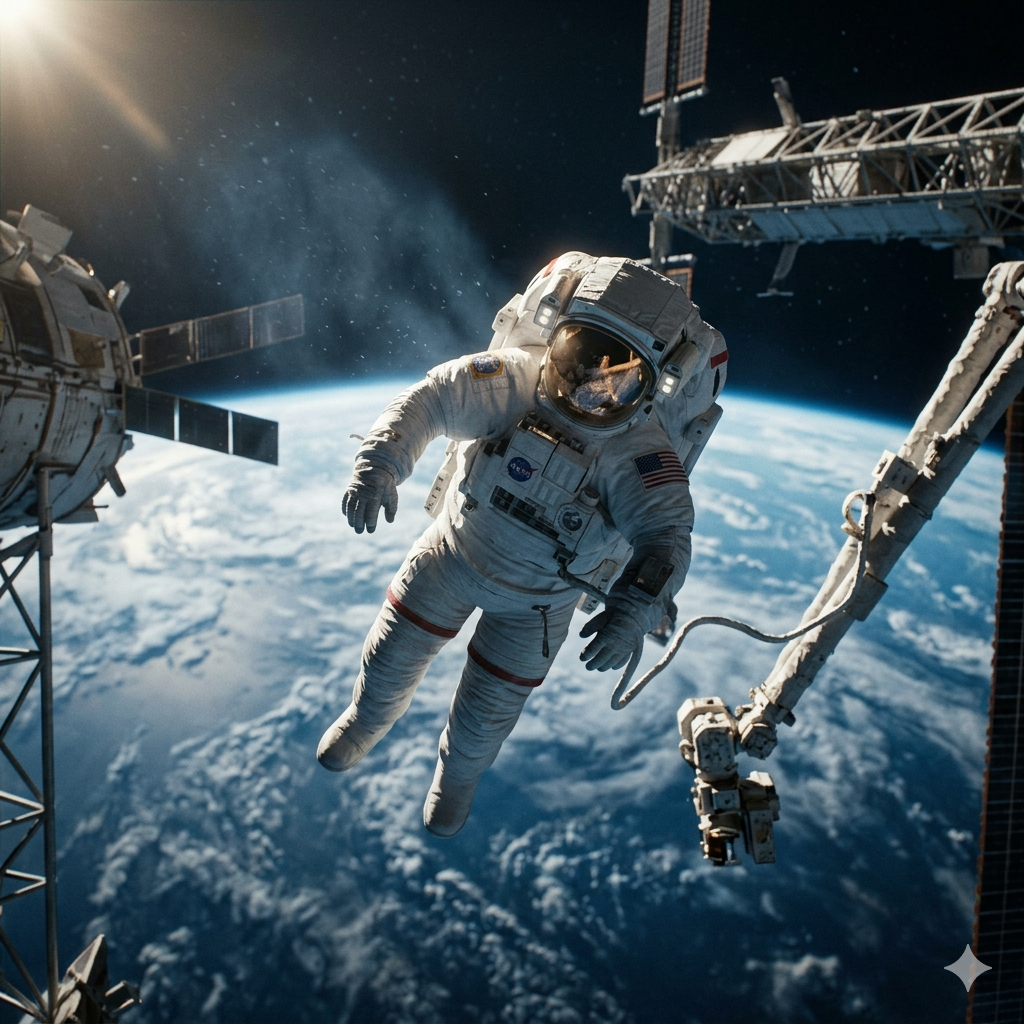
This is the original image used in the demo video above.
Click Help Write to generate a prompt from your idea
Prompt used for this demo:
Shot 1: Close-up tracking shot of a lone astronaut in a pristine white spacesuit, slowly floating near damaged solar panels. Dynamic motion blur lines create sense of weightless movement, vibrant saturated colors highlighting mechanical details against deep space backdrop. Shot 2: Wide angle shot showing astronaut using a repair tool, carefully maneuvering with precise, graceful movements. Cel-shaded animation style emphasizes silhouette against starry background, stylized background with subtle cosmic particle effects drifting in low gravity.
Tips for Better Results
- • Be specific about camera movements and angles
- • Describe lighting conditions (golden hour, dramatic shadows)
- • Include style keywords (cinematic, photorealistic, 8K)
- • Use the AI button to enhance your prompts
Kling 3.0 Image to Video — How It Works
Kling AI 3.0 image to video transforms any still photo into a cinematic video clip. Upload your image as the starting frame, describe the motion you want, and Kling 3.0 generates a fluid video up to 15 seconds long at up to 4K resolution. Unlike older models, Kling image 3.0 maintains the subject's exact appearance throughout the entire animation.
You can also provide an end frame image to define both the start and finish of the animation — Kling 3.0 seamlessly interpolates between the two poses or compositions.
Kling 3.0 Motion Control & Storyboards
Kling 3.0 motion control is driven by natural language — describe camera movements in your prompt and Kling 3.0 executes them precisely. Supported movements include dolly, pan, tilt, orbit, crane, and handheld.
The Kling 3.0 storyboard mode lets you chain up to 6 shots into a single animated sequence from one source image. Each shot has its own prompt and duration, while the subject's appearance remains consistent across all cuts — making it the most powerful tool for image-based short-form storytelling.
Kling 3.0 Image to Video Prompt Tips
Getting the best results from Kling 3.0 prompts in image-to-video mode:
- Describe motion, not the scene — The image already defines the scene. Your prompt should describe what the subject does and how the camera moves.
- Match your prompt to the image — If your image shows a subject in space, your prompt should respect space physics — no wind, no atmospheric effects.
- Use Visual Style for consistency — For storyboard mode, write a style like "anime-style, cel-shaded" consistently in every shot to maintain the visual look.
- Start with camera direction — "Slow push-in," "handheld follow shot," or "360-degree orbit" give Kling 3.0 clear motion direction.
Is Kling 3.0 Free for Image to Video?
Kling 3.0 is free for new users with the signup bonus of 30 credits. Image-to-video generation costs the same as text-to-video: 200 credits for a 5-second 720p clip, up to 1,200 credits for a 15-second 4K video. Credit packs start at $4.99, and monthly plans offer the best value for frequent use.
Compared to using Kling 3.0 via fal.ai or other API providers, this tool offers a streamlined web interface with storyboard mode, AI prompt assistance, and direct download — no code required.
Kling 3.0 vs Kling 3.0 Omni
Kling 3.0 is the standard text-to-video and image-to-video model, optimized for prompt-driven cinematic generation. Kling 3.0 Omni is a separate multimodal variant designed for video-to-video editing, style transfer, and reference-based generation.
For animating photos and creating original videos from prompts, Kling 3.0 is the right model. For editing existing videos or applying style references, Kling 3.0 Omni is the better choice.